
Microsoft Project Online Is Retiring. Smartsheet Is the Best Alternative for Your PMO.
If your organisation runs on MS Project Online, you have a hard deadline and a real opportunity. PMOs are seeking a true replacement, not a downgrade. Smartsheet — the intelligent modern work management platform trusted by 85%+ of Fortune 500 companies — is the Microsoft Project Online alternative built for the way enterprise teams actually work. And Infospark is the partner that gets you there with a migration path that’s automated, cost-effective, and faster than most teams underestimate.

The Deadline Is Fixed. No Extensions, No Grace Period.
Microsoft Project Online retires on 30 September 2026. After that date, access is gone — along with your projects, your portfolio history, and the workflows your PMO has built up over years.
Microsoft’s recommended path may work for lightweight task management, but it leaves organisations with mature PMOs without a like-for-like home. Enterprise portfolio management, from governance, and resource visibility, to cross-project dependencies, executive reporting, isn’t something you can squeeze into a task list.
Waiting is the bigger risk. Migration decisions made under pressure lead to data loss, broken integrations, and rushed platform choices your team will live with for years. The organisations that start planning now get to migrate on their terms.
Most mature PMOs are moving to Smartsheet
It’s the cloud-based, intelligent work management platform trusted by 85% of the Fortune 500 companies and it covers the capabilities Project Online customers actually depend on: portfolio reporting, resource management, cross-project dependencies, executive dashboards, and governance, without the SQL servers, the Power BI dependency, or the steep learning curve.
Worth knowing:
MS Project Online capabilities have already started to cease since April 2026 — earlier than most organisations realised. If you haven’t started evaluating alternatives yet, the window is tighter than it looks.

InfoSpark Is the Smartsheet Partner That Can Get You There
This is where we come in.
As an award-winning Smartsheet Platinum Solutions Partner, we’ve helped organisations move off legacy PPM platforms onto Smartsheet — preserving project history, rebuilding portfolio reporting, and getting teams productive in weeks, not months. We’ve seen what works, what breaks, and what most teams underestimate.
Let's Be Honest About What's on the Table
If your organisation is evaluating your next move, let’s have a glimpse of why Smartsheet lands as the best Microsoft Project Online alternative compared to other PMO migration paths:
Our Recommendation: Smartsheet
⭐ Smartsheet is a flexible, modern, and intelligent work management solution
that handles both simple and highly complex projects all in one platform.
It’s purpose-built for the way modern PMOs actually work.
It covers:
- covering portfolio reporting
- resource management
- cross-project dependencies
- executive dashboards
- governance
- and much more!
All without the infrastructure overhead of legacy tools.
For most organisations considering the best Microsoft Project Online alternative, it’s the strongest replacement on the table. It’s also the path most mature PMOs are already taking.
Other Paths We'd Advise Against:
❌ Microsoft Planner Premium
Microsoft’s official recommendation. Suitable for lightweight task management, but missing the portfolio reporting, resource management, and cross-project dependencies that mature PMOs depend on.
❌ Microsoft Project Desktop & Server
A return to maintaining software on desktops and servers, with the infrastructure and IT overhead that comes with it. A step backwards for most cloud-mature organisations.
❌ Dynamics 365 Project Operations
Listed in Microsoft’s official guidance, but the cost and implementation effort are significant — and the roadmap is uncertain. We rarely see customers seriously considering it.
⚠️ Other enterprise PPM platforms (e.g. Planview, Planisware)
A strong fit for highly sophisticated enterprise PPM environments. For most ANZ organisations, the complexity, cost, and implementation timeline are more than they need.
Built for Real PMO Work. Not a Workaround.
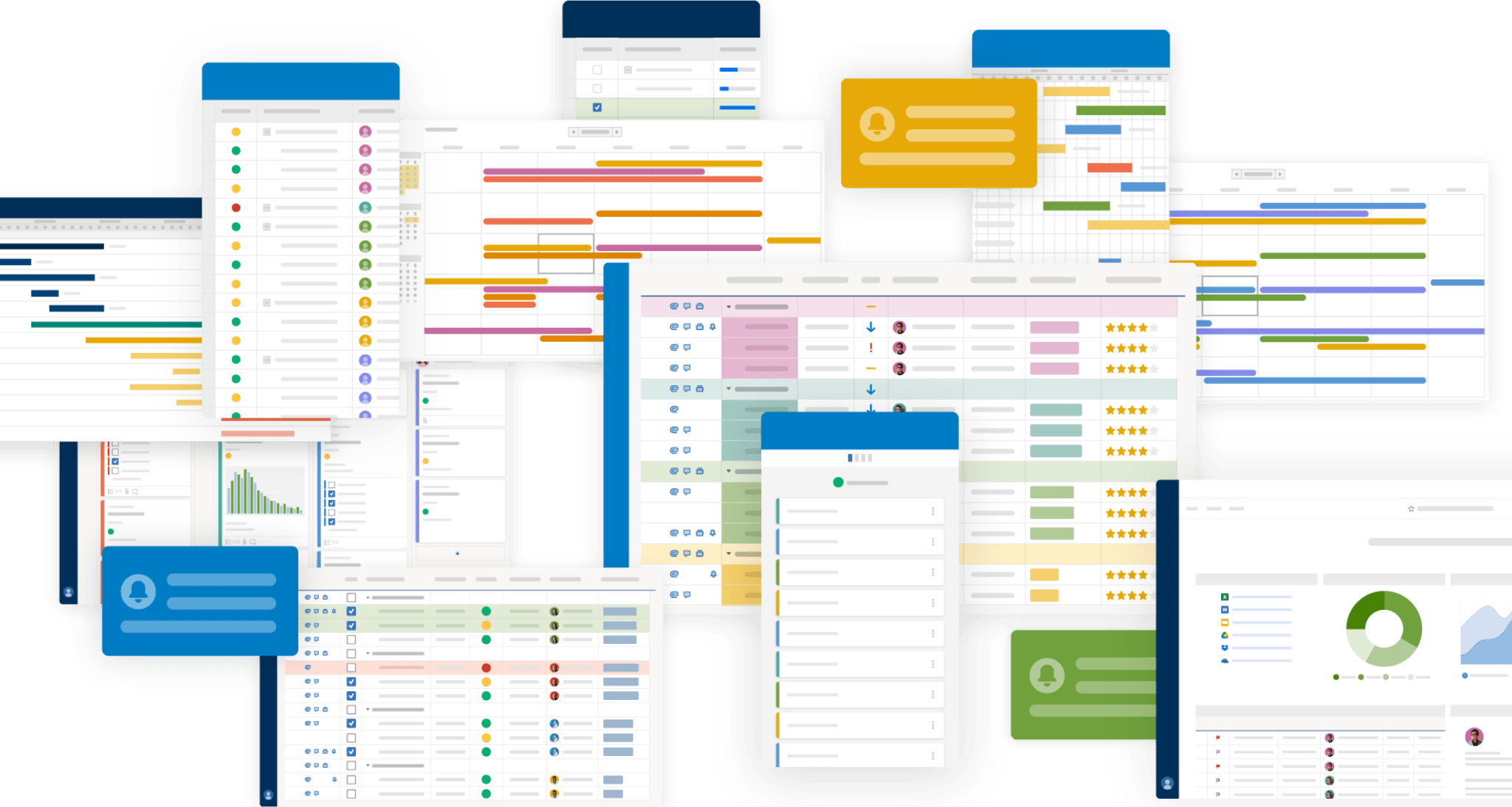
Smartsheet gives your PMO the visibility, control, and flexibility that MS Project Online provided without the complexity, cost, and infrastructure baggage.
Here’s what matters:
- Portfolio visibility built in — no Power BI required
Executive dashboards and portfolio-level reporting are native to the platform. You don’t need a dedicated BI team or separate Power BI licences to see what’s happening across your projects. The reporting your PMO has built up in Project Online has a real home in Smartsheet. - Resource management your PMO can actually trust
Capacity planning, resource allocation, and workload visibility across portfolios — without the complexity of Project Online’s resource pool model. Your PMO can see who’s overloaded, where the gaps are, and what’s coming up across every active project. - Zero infrastructure overhead
No SQL servers. No SharePoint dependencies. No Azure VM setups. Smartsheet is cloud-native, which means your IT team doesn’t carry the maintenance burden — and your PMO doesn’t wait on infrastructure tickets to make changes. - Adoption your teams won’t fight.
Smartsheet’s grid interface is far more approachable than the legacy Project Online UI. Lower training cost, faster onboarding, and less reliance on specialist PMO staff to keep it running. Teams that resisted Project Online tend to adopt Smartsheet quickly.
Worth noting:
Smartsheet handles both highly complex and simple projects in the same platform. Every team across your organisation, regardless of maturity, can work on the same tool — which means your PMO sits at the centre of how the business operates, not in a silo.
It can also connect to tools you already use — Microsoft 365, Teams, Salesforce, Jira, and the rest of your stack.

A Partner That Leans in — Not Just a Vendor That Hands You a Login
Most software vendors hand you a login and wish you luck. That’s not how we work. We plan the migration, run it alongside your team, and stay close until your PMO is more productive on Smartsheet than it ever was on Project Online. That’s the bar we hold
Infospark is a Smartsheet Platinum Solutions Partner and one of the most experienced Smartsheet consulting and implementation teams in the APJ region. We’ve delivered hundreds of PMO migrations and Smartsheet deployments across financial services, government, infrastructure, and professional services moving off PMO tools/solutions like Microsoft Project Online, Project Server, and other legacy PPM platforms.
Here’s what working with Infospark looks like:
We've Done PMO Migrations Before
Project Online migrations have specific traps — workflow dependencies, custom fields, resource pools, historical reporting structures. We’ve worked through them. Your team won’t be our learning curve.
We Automate What Should Be Automated
Migrating years of project data, custom fields, and workflow logic by hand is slow and error-prone. We use proven migration tooling to move structured data automatically — so your team spends time on what matters (PMO design, reporting, adoption), not on data entry.
We Design the PMO, Not Just Migrate the Data
Moving data is straightforward. Designing a PMO that works better on the new platform — that’s where most migrations stall. We help you redesign for how your organisation actually delivers, not just rebuild what you had.
We Stay Close After Go-Live
Most of our customers come back to us six months in to layer in resource forecasting, executive dashboards, and cross-portfolio reporting. By then they know what they want. We’re still here to help you build it.
We Make Sure You Experience a Value-For-Money Migration
The deadline isn’t your fault — and the move shouldn’t feel like a cost burden. We work with Smartsheet to make the migration genuinely be a value for your money. Most customers find the move is more affordable than they expected — and pays back faster too.
The MS Project sunset isn’t a migration headache — it’s a moment to build something significantly better. We’ve helped organisations across ANZ make this transition count.
– Lindsay Whitbread, Founder and CTO, InfoSpark
More Manageable Than You Think
With the right partner, migration is structured and fast.
Here’s how InfoSpark approaches it:
1. Discovery & Audit
We understand your current PMO setup — what’s worth migrating and what’s an opportunity to improve.
2. Define What Good Looks Like
Portfolio visibility, resource management, governance, reporting — we define your requirements before building anything.
3. Build Your Smartsheet Foundation
Workspace structure, templates, permissions, and reporting — done right from the start so you don’t have to rebuild later.
4. Move Strategically
Migration is the easy part — and largely automated. We use proven migration tooling to move your structured data, then map your existing processes into Smartsheet workflows so nothing falls through the cracks.
5. Go Live — and Keep Improving
We stay close during the transition. Once live, we help you layer in more sophisticated reporting, resource forecasting, and executive dashboards.
Let's Map Out What Migration Looks Like for Your PMO
Get the picture of what migration looks like for your organisation and how to make this transition count. Fill in the form and we’ll be in touch.